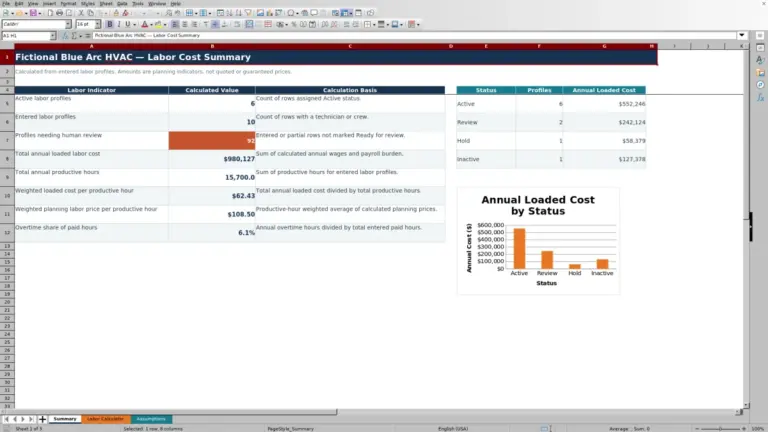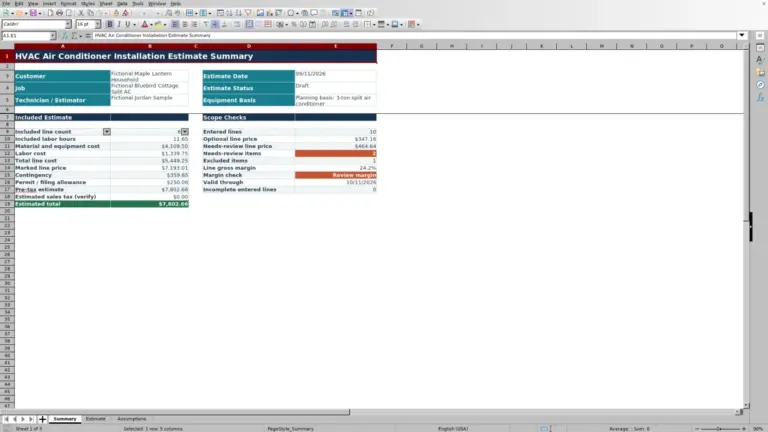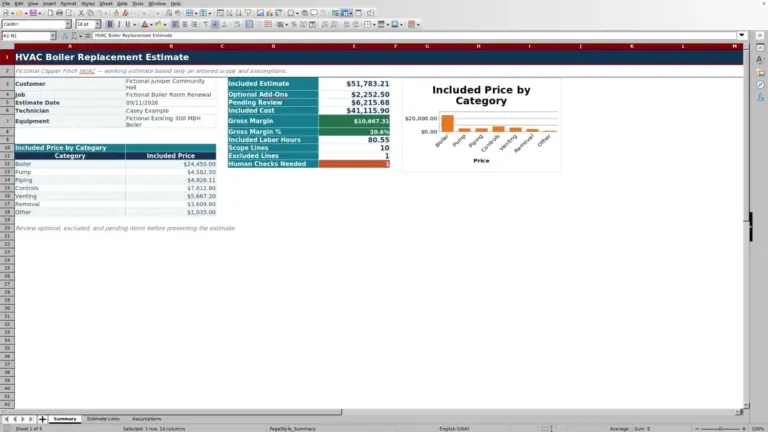
This Excel workbook organizes an HVAC repair versus replacement comparison for each job. It places scope, price, expected life, and annual energy assumptions in one working row.
Use the calculated payback and annualized-cost indicators for internal review, then apply field findings and qualified judgment before presenting either option.
How this template can help
- Compare repair and replacement using the same stated life and annual energy assumptions.
- Keep repair and replacement scope, labor hours, costs, and prices together for each job.
- Identify incomplete or assumption-sensitive comparisons that need human review.
- Review job counts, averages, statuses, and annualized-cost outcomes on the Summary sheet.
What the workbook contains
How to get started
1. Review the assumptions
Set review assumptions first. On the Assumptions sheet, review the 12-year Age review threshold and 10-year Simple payback review limit supplied with the workbook. The sheet also holds entry limits and the lists used for quantity units, responsibilities, and statuses. Adjust these values only to match your company’s internal review policy; they are not engineering criteria.
2. Prepare a comparison row
Use one Comparison ID per job decision. The first prepared rows include clearly fictional examples. Replace or clear their peach input cells before entering operational records. Add the customer, job or site, equipment, technician, and Assessment Date using MM/DD/YYYY. Handle customer, property-access, technician, equipment, and pricing information under your company’s data-access practices.
3. Enter both options
Enter prices and life estimates carefully. Record the repair description, quantity, unit, labor hours, cost, price, and Added Life Estimate. Then enter the equivalent replacement details and Expected New Life. Finish with Annual Energy Cost Now and Estimated Annual Energy Cost New. The comparison formulas use the two prices, life estimates, and annual energy amounts; the cost, quantity, and labor fields provide supporting job context.
4. Review and route the result
Review the row before changing status. Keep calculated columns X through AC and AF intact. Read the energy difference, upfront difference, payback, annualized costs, indicator, and Human Check together. Select a Responsibility and Status only after checking the assumptions. The Responsibility field records an owner but does not send a notification.
How the repair and replacement calculations work
On the Comparisons sheet, the financial inputs are Repair Price, Added Life Estimate, Replacement Price, Expected New Life, Annual Energy Cost Now, and Estimated Annual Energy Cost New. Repair Cost and Replacement Cost are recorded separately, but the displayed comparison formulas use price rather than cost.
Annual Energy Cost Difference equals current annual energy cost minus estimated new annual energy cost. Incremental Upfront Price equals replacement price minus repair price. When both differences are positive, Simple Payback divides the incremental upfront price by the annual energy cost difference.
Repair Annualized Cost equals repair price divided by added life, plus current annual energy cost. Replacement Annualized Cost equals replacement price divided by expected new life, plus estimated new annual energy cost. The Annualized Cost Indicator identifies which result is lower, reports the same cost, or says that inputs are needed.
Annualized cost is a planning indicator, not a complete lifecycle forecast. It spreads the entered price evenly over the entered life and adds one year of estimated energy cost.
Worked fictional repair-versus-replacement scenario
For fictional comparison CMP-DEMO-014, assume the equipment is 13 years old. Enter a $3,000 repair price, 2.5 years of added life, a $12,000 replacement price, 15 years of expected new life, $2,600 for current annual energy cost, and $1,800 for estimated new annual energy cost.
- Annual energy cost difference: $2,600 − $1,800 = $800 per year.
- Incremental upfront price: $12,000 − $3,000 = $9,000.
- Simple payback: $9,000 ÷ $800 = 11.25 years, displayed as approximately 11.3 years.
- Repair annualized cost: $3,000 ÷ 2.5 + $2,600 = $3,800 per year.
- Replacement annualized cost: $12,000 ÷ 15 + $1,800 = $2,600 per year.
Workbook result: replacement has the lower annualized cost. However, the 13-year equipment age meets the supplied 12-year review threshold, and the 11.25-year payback exceeds the supplied 10-year review limit. The next decision is to verify the life estimates, energy assumptions, and comparable scope before deciding whether both options are ready to present.
Use Human Check prompts as review cues
The Human Check column can prompt review when required cost, life, or energy inputs are incomplete. It also checks conditions including equipment age at or above the Assumptions threshold, a nonpositive annual energy difference, and calculated payback above the configured review limit.
A prompt is not a verdict. Older equipment does not automatically require replacement, and a long payback does not automatically make repair the right choice. Confirm the field diagnosis, equipment condition, quoted scope, expected remaining life, warranty considerations, and the source of the energy estimates.
Status is tracked separately. The Summary sheet counts rows marked Needs Review and combines Presented and Closed for another indicator. Select a status to reflect your actual workflow rather than treating the calculated cost label as customer approval.
Read the Summary without losing job-level context
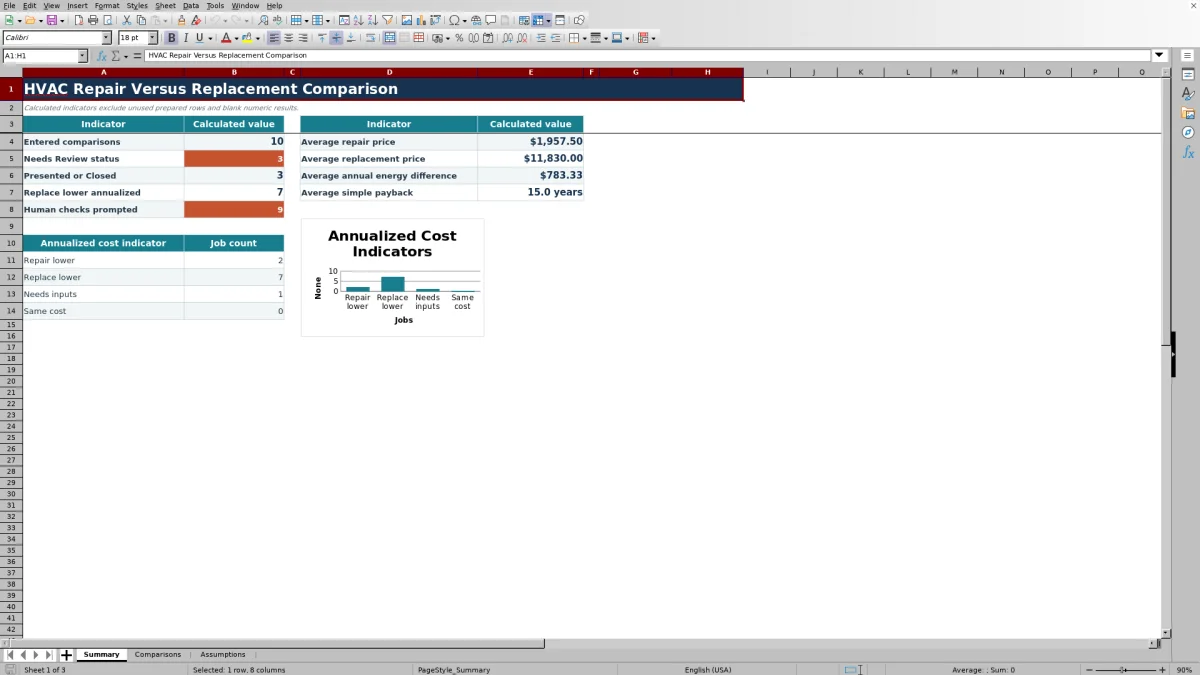
The Summary sheet counts entered comparisons from nonblank Comparison IDs. It also reports Needs Review rows, Presented or Closed rows, replacement-lower outcomes, and prompted human checks.
Summary averages exclude blank numeric results. The sheet averages repair price, replacement price, annual energy difference, and simple payback. If no rows contain a usable number for an average, that result remains blank rather than showing a meaningful portfolio value.
The annualized-cost chart groups jobs into Repair lower, Replace lower, Needs inputs, and Same cost. Use those counts to find records for review, then return to the individual Comparisons row before making a job decision. An average or chart category does not explain equipment condition or scope differences.
Common entry and calculation errors
- If a completed-looking row is missing from the Summary count, check Comparison ID in column A. A blank ID also keeps the row’s calculated outputs blank.
- If Annualized Cost Indicator says Needs inputs, check Repair Price, Added Life Estimate, Replacement Price, Expected New Life, and both annual energy fields. Enter Current Age as well so the human-check review can run completely.
- Blank payback can be correct. The workbook leaves Simple Payback blank when the energy difference or incremental upfront price is missing, zero, or negative. Confirm the inputs instead of replacing the blank with zero.
- If Excel rejects an entry, compare it with the validation limits on Assumptions. Assessment Date accepts a dynamic range from January 1 ten calendar years before the current year through December 31 of the following year.
- If a calculated cell was overwritten during pasting, return to a clean master copy or restore the corresponding formula from an untouched prepared row. Verify the row references before relying on the result.
Workbook Comparison with other tracking options
| Criterion | HVAC Sheets workbook | Blank spreadsheet | Field-service management system |
|---|---|---|---|
| Decision math | Prepared formulas for energy difference, incremental price, payback, and annualized cost. | Formulas and review logic must be created and maintained by the user. | Availability and calculation methods vary by product and configuration. |
| Repeatable records | Provides 100 prepared comparison rows with status and responsibility fields. | Can be customized, but fields and controls must be built. | Record structure and comparison capacity vary; verify the specific system. |
| Review controls | Editable thresholds, input validation, Human Check prompts, and a calculated Summary. | Possible only after the user builds the controls. | Rules, permissions, and reporting depend on the selected system and setup. |
| Broader operations | Focused on the comparison task; no dispatching, messaging, payment, or live monitoring functions are represented. | No broader workflow exists unless the user creates it. | Broader functions may be available, but they must be confirmed for the specific system. |
Choose this workbook when the team wants a repeatable Excel-based review and can maintain its assumptions. A blank spreadsheet may fit a one-off or highly custom analysis. Consider a field-service system when connected operational workflows are required and its repair-versus-replacement capabilities have been verified.
Operational limits and record handling
The formulas compare entered prices, expected life, and annual energy costs. They do not model the time value of money, energy-rate changes, recurring maintenance, future failure probability, financing, rebates, taxes, downtime, comfort effects, or other costs outside the listed inputs.
The workbook does not size equipment, perform a load calculation, certify a design, prove code or safety compliance, submit records, or replace qualified diagnosis and review. Use the calculated result as one documented input to the decision.
The Comparisons sheet can contain customer, job-site, technician, equipment, and pricing information. Store the XLSX under appropriate company access and retention practices. Save an identified working copy before changing assumptions or replacing an approved set of comparison inputs.
Frequently asked questions
What does “lower annualized cost” mean in this workbook?
It means one option has the lower result after its entered price is divided by its entered life estimate and one year of estimated energy cost is added. For repair, the workbook uses repair price, added life, and current annual energy cost. For replacement, it uses replacement price, expected new life, and estimated new annual energy cost.
This is a screening comparison, not a complete lifecycle-cost conclusion.
Why is Simple Payback blank?
Simple Payback remains blank if required inputs are missing or if the annual energy cost difference or incremental upfront price is zero or negative. For example, if estimated new annual energy cost is not lower than current annual energy cost, there is no positive energy difference for this payback formula to use.
Should I enter company cost or customer price in the comparison fields?
Enter internal amounts in Repair Cost and Replacement Cost, and customer-facing quoted amounts in Repair Price and Replacement Price according to your company process. The payback and annualized-cost formulas use the Price fields, not the Cost fields.
Can I change the age and payback thresholds?
Yes. The Assumptions sheet contains editable values for Age review threshold and Simple payback review limit. Changing them changes when Human Check prompts appear. Treat these as internal review settings, not manufacturer limits, code requirements, or engineering criteria.
How many comparisons can the workbook hold?
The prepared calculation, validation, filter, and Summary ranges cover rows 5 through 104 on Comparisons, for 100 comparison records. Adding rows beyond 104 requires coordinated updates to formulas, validations, formatting, filters, and Summary references; otherwise, new records may not calculate or appear in the Summary.
Do Responsibility and Status automate follow-up?
No. These fields record the selected responsibility and workflow status inside the workbook. They do not send messages, create alerts, dispatch technicians, or confirm that a customer received or approved an option.
Editorial responsibility

Mara KeeneService operations editor

Owen CalderEstimating and controls editor