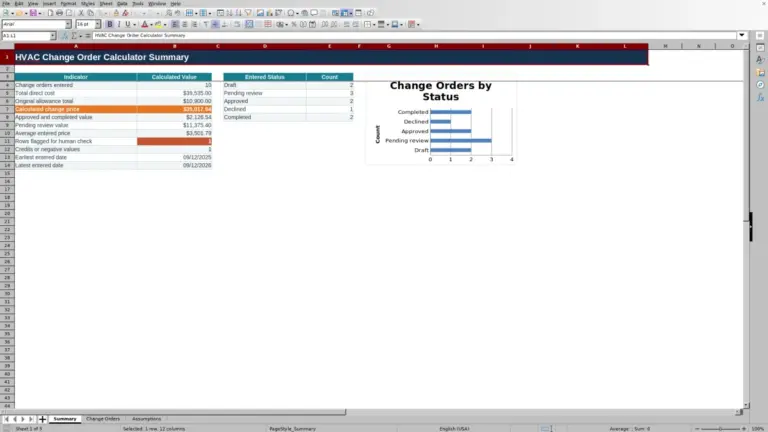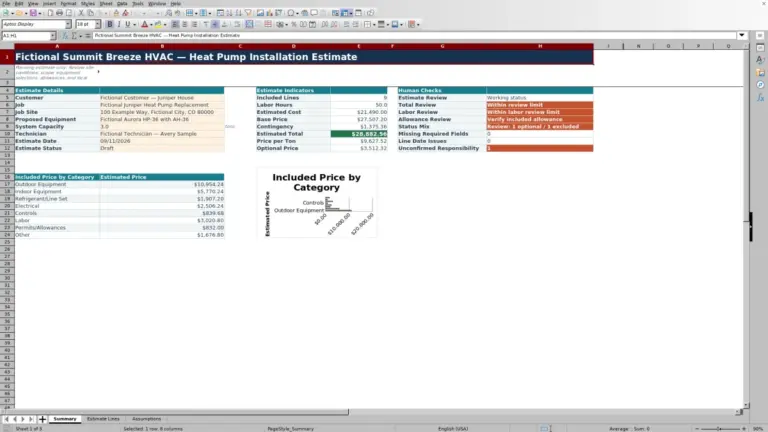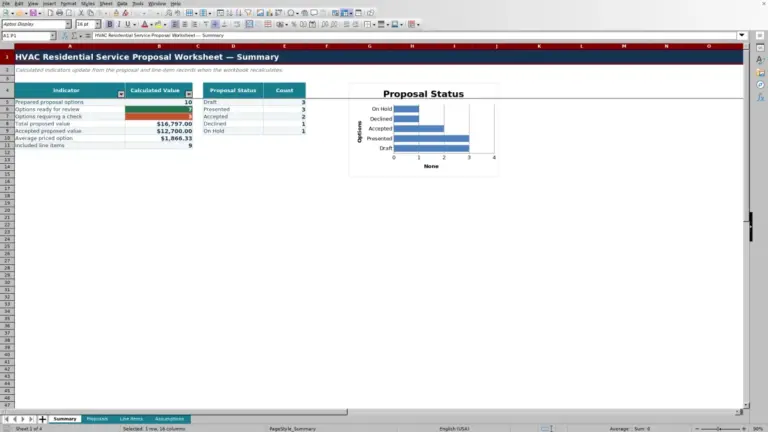
This HVAC Sheets Excel workbook builds a line-item estimate for a split air-conditioner installation.
Enter the job, equipment and material quantities, labor assumptions, responsibility, and scope status; then review the calculated price and items that still need attention.
How this template can help
- Separates included work from optional, excluded, and needs-review items.
- Extends quantities, labor hours, costs, markup, contingency, and permit allowance.
- Shows incomplete line counts and a gross-margin check before presentation.
- Keeps estimating assumptions separate from the job-specific scope.
What the workbook contains
How to get started
1. Review the estimating assumptions
Open Assumptions and replace the sample values with company-specific assumptions. Review the labor rate, standard line markup, contingency rate, sales tax rate, permit or filing allowance, estimate validity period, margin target, and alert thresholds. Verify tax and permit applicability for the actual job.
2. Enter the estimate header
On Estimate, replace the fictional customer, job, estimator, site description, and equipment basis. Enter the Estimate Date in MM/DD/YYYY format and select an Estimate Status. The equipment basis is a planning note, not an equipment-sizing result.
3. Build the installation scope
Use one scope item per row from rows 8 through 127. Enter the description, equipment or specification, quantity, unit, labor hours per unit, unit cost, responsibility, and line status. Use Included only for work that belongs in the base estimate.
4. Review the result before presenting it
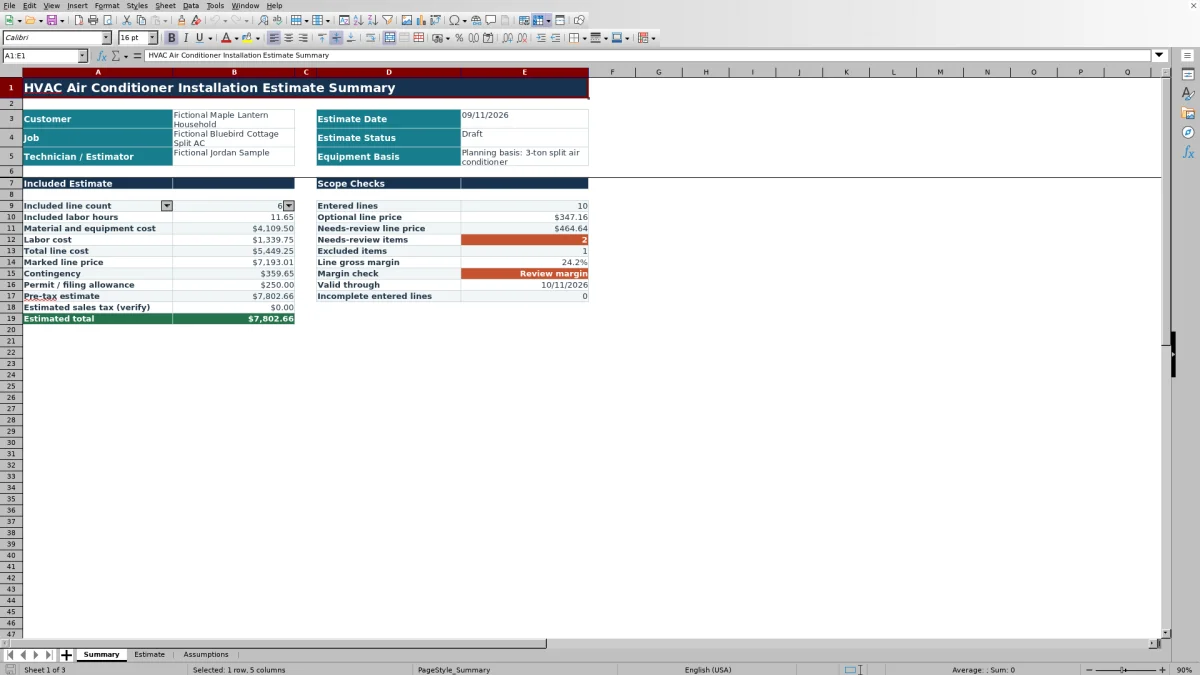
Open Summary and check the included labor hours, cost, marked line price, contingency, permit allowance, pre-tax estimate, margin result, optional price, needs-review items, excluded items, and incomplete entered lines. Resolve red worksheet indicators and do not present unresolved scope or pricing assumptions.
How each installation line is priced
Each Estimate row connects the entered quantity and rates to four calculated outputs. Labor Hours equals Quantity multiplied by Labor Hours / Unit. Material Cost equals Quantity multiplied by Unit Cost. Labor Cost applies the hourly rate from Assumptions to the calculated labor hours.
Estimated Price applies the Standard line markup to the combined material and labor cost. The price is blank when Description or Line Status is blank, or when the line is Excluded. If an active row lacks required numeric inputs, its component calculations can remain blank while its price appears as $0.00. Treat that as an incomplete entry, not a no-cost item.
The workbook uses one markup rate for prepared line calculations. It does not automatically apply different rates by equipment category, vendor, or responsibility.
Control the base scope with line status
The Line Status field offers Included, Optional, Excluded, and Needs Review. Only Included rows contribute to the included estimate figures on Summary. Optional and Needs Review prices are reported separately, while Excluded rows do not receive an Estimated Price.
Status controls inclusion, but Responsibility records who is expected to provide the item. Contractor, Customer, and Other do not change the pricing formula. For example, a customer-provided thermostat can be recorded with Customer responsibility and an appropriate status without assuming that the workbook will remove associated labor automatically.
Before changing an Optional item to Included, confirm that its equipment, labor, responsibility, and site scope are approved for the base estimate.
Worked split-system estimate scenario
Fictional example: An estimator enters three Included lines: one condenser with 2.00 labor hours and a $2,650.00 unit cost; one evaporator coil with 2.00 labor hours and a $940.00 unit cost; and 30 ft of line set at 0.10 labor hour per ft and $12.00 per ft.
Using a $115.00 hourly labor rate, the workbook calculates 7.00 labor hours, $3,950.00 of material and equipment cost, and $805.00 of labor cost. Total line cost is $4,755.00. Applying the 32% standard line markup produces a marked line price of $6,276.60.
The resulting line gross margin is about 24.2%. Because the fictional minimum target is 25%, Summary returns Review margin. A 5% contingency adds $313.83, and a $250.00 permit or filing allowance produces a $6,840.43 pre-tax estimate.
The next decision is to verify the costs, labor allowance, scope, selling price, and margin target. The workbook identifies the margin condition but does not decide which assumption should change.
Read the Summary before releasing the estimate
Summary brings forward the customer, job, estimator, estimate date, status, and equipment basis. It then separates included financial results from scope checks, so the estimator can review the base amount without losing sight of optional or unresolved work.
Markup is not gross margin. A 32% markup on cost produces a gross margin of approximately 24.2% because margin divides gross profit by selling price, not by cost. The workbook compares its calculated line gross margin with Minimum line gross margin target on Assumptions.
Valid Through adds the Estimate validity days assumption to the Estimate Date. A blank validity result points to a missing date or validity input. A blank margin can mean that the included marked line price is blank or zero. A $0.00 estimated sales-tax result can instead reflect a valid 0% tax assumption, which still requires an applicability check.
Common entry errors and practical fixes
Blank results usually indicate missing prerequisites, but a zero can also conceal an incomplete row. Check these situations before relying on the total:
- If Description is blank, the row calculations remain blank and the row is not counted as an entered line. Add the description or clear the unused row.
- If Line Status is blank, Estimated Price remains blank. Select a valid status rather than typing an unrecognized variation.
- If a description exists but Quantity, Unit, Labor Hours / Unit, Unit Cost, Responsibility, or Line Status is missing, Summary counts the row as incomplete. Supply the missing input or remove the partial entry.
- If a status is entered on an otherwise blank row, it can affect the included status count without producing normal calculations. Clear stray status values.
- If an Optional amount is absent from the pre-tax base, that is expected. Change the status only when the item belongs in the approved base scope.
- If Valid Through is blank, enter a valid Estimate Date and a whole-number validity period from 0 through 365 days.
Cell lists and numeric checks guide entry, but pasted content can still require manual review.
Operational limits and record handling
The Equipment Basis field documents the estimating basis only. The workbook does not perform load calculations, select equipment capacity, verify matched-system performance, approve engineering, or establish code compliance. Confirm equipment, electrical requirements, refrigerant piping, drainage, access, supports, controls, startup scope, and other job conditions through the appropriate qualified review.
Prices, labor rates, markup, tax, contingency, and permit allowances are editable inputs. They are not connected to live vendor pricing, tax services, permit authorities, accounting records, or payment processing. Verify current costs and local requirements before presenting an estimate.
The XLSX does not provide a dedicated approval-history worksheet or automatic customer communication. Save an identified copy before changing an approved estimate. Restrict access to files containing customer details, site access information, employee names, equipment identifiers, vendor pricing, or payment-related records.
Comparison: Excel Workbook, Blank Sheet, or Estimating System
| Criterion | This Excel workbook | Blank spreadsheet | Dedicated estimating or field-service system |
|---|---|---|---|
| Starting structure | Prepared job fields, 120 line rows, scope statuses, assumptions, and Summary outputs | User must design the fields, formulas, and review checks | Structure varies by product and configuration |
| Calculations | Extends labor, material cost, labor cost, markup, contingency, allowance, tax, and totals | User must build and test each calculation | Available calculations vary by system and setup |
| Scope review | Separates Included, Optional, Excluded, and Needs Review lines | Requires a custom method | Workflow and status options vary |
| Automation and integrations | No verified messaging, vendor feed, accounting connection, or payment processing | None unless separately created | Capabilities vary and should be confirmed before selection |
| Best-fit condition | A contractor wants an editable, standalone XLSX with prepared calculations | The estimate is unusual enough to justify building a custom sheet | The business needs broader multiuser workflow or integrations that a selected system demonstrably provides |
Choose this workbook when a controlled Excel estimate fits the team’s process and staff can manage file review and version copies. Start from a blank sheet when the prepared fields do not match the job. Evaluate a dedicated system when centralized workflow or verified integrations are required.
Frequently asked questions
Does the workbook size the air conditioner?
No. Equipment Basis is an estimating input for documenting the planned system. The workbook does not calculate cooling load, select capacity, verify a matched system, or approve equipment performance.
Why is an optional item missing from the pre-tax estimate?
Summary builds the base estimate from rows marked Included. Optional pricing appears separately. Change the status only after confirming that the item belongs in the base customer scope.
Why does a 32% markup produce about a 24.2% margin?
Markup is measured against cost, while gross margin is measured against selling price. At a cost of $100.00, a 32% markup creates a $132.00 price and $32.00 gross profit. Dividing $32.00 by $132.00 gives about 24.2%.
Can I add more than 120 estimate lines?
The verified workbook has prepared formulas and entry ranges from rows 8 through 127. Rows beyond that range are not part of the verified setup. If you extend the sheet, test copied formulas, formatting, filters, validations, and Summary ranges before using the modified file.
Does the estimate confirm sales tax or permit requirements?
No. The workbook provides editable sales-tax and permit or filing assumptions. Verify applicability, rates, and required approvals for the actual location and scope with the appropriate qualified resources.
Editorial responsibility

Mara KeeneService operations editor

Owen CalderEstimating and controls editor