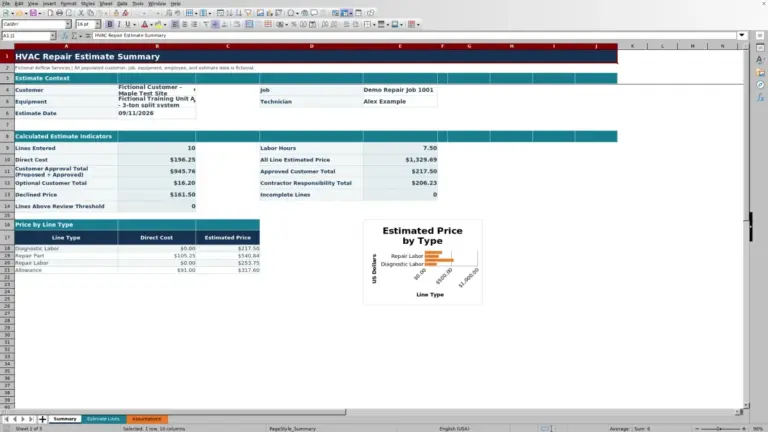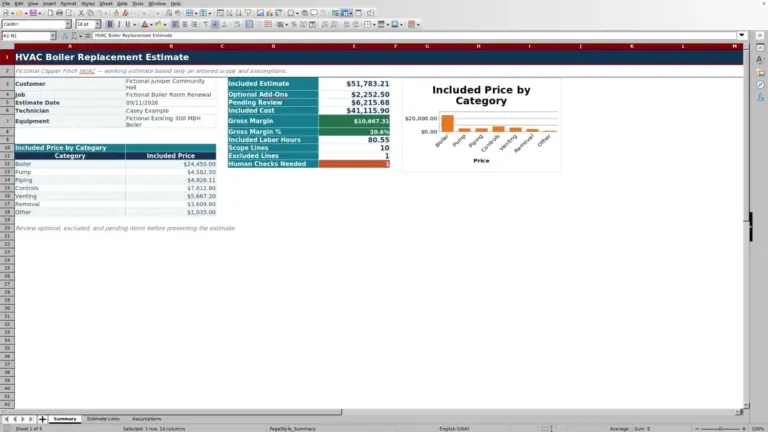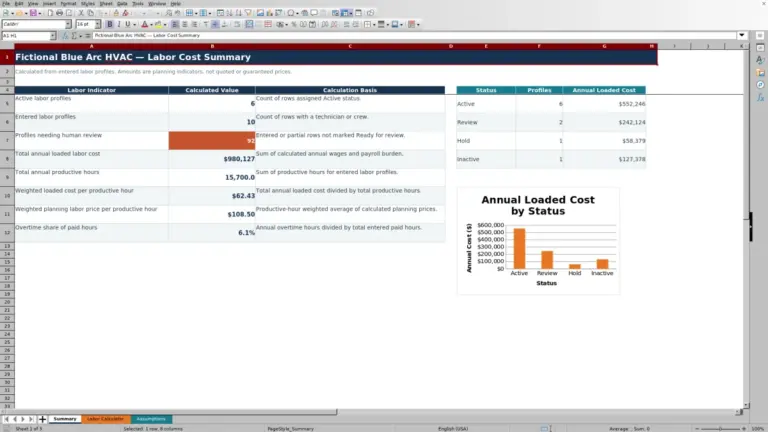
This HVAC ductwork estimate spreadsheet is an editable Excel workbook for building line-by-line material and installation labor estimates.
Use the XLSX to price duct sections, fittings, insulation, and accessories, then review estimated cost, price, and margin before deciding what needs correction or further review.
How this template can help
- Separate material and labor inputs for each duct, fitting, insulation, or accessory line.
- Apply waste to material quantity and category markup to calculated line cost.
- Keep excluded lines out of estimate totals without deleting the scope description.
- Review cost, price, margin, estimate dates, and category totals on one summary.
What the workbook contains
How to get started
1. Save a job copy
Work from a copy before replacing the fictional demo entries. On Estimate Lines, clear or replace editable inputs in columns B through P without deleting the prepared formulas in the calculated columns.
2. Review the estimating assumptions
Open Assumptions and review the orange editable cells. Set the labor rate, inspect category markups, and confirm the permitted ranges for dates, quantities, labor hours, waste, and material unit cost. Use rates and limits appropriate for the estimate; the workbook does not verify current vendor or labor pricing.
3. Enter one scope component per line
On Estimate Lines, enter the job details, category, description, quantity, unit, material unit cost, labor hours per unit, waste percentage, responsibility, and status. Enter dates as MM/DD/YYYY and select list values where provided.
4. Resolve checks and review totals
Read Input Check for every populated line. Select a nonblank status when the line should contribute to the estimate, or Excluded when it should be omitted. Review Summary only after the checks are resolved. Keep formulas intact in columns Q through X so quantities, costs, markup, and price continue to recalculate.
Plan line items around a consistent unit
Create a separate line for each measurable scope component, such as a rectangular duct run, spiral duct section, fitting, insulation area, or accessory. The available units are ft, sq ft, each, and lb.
Match Material Unit Cost and Labor Hrs / Unit to the selected unit. For example, a duct quantity entered in feet requires a material cost per foot and labor hours per foot. If material and labor are based on different quantities, split the scope into separate lines or convert the inputs before entry. The workbook provides only one Quantity and Unit for each line.
How quantities become cost and price
Waste changes material quantity, not labor hours. Extended Qty equals Quantity multiplied by one plus Waste %. Material Cost then equals Extended Qty multiplied by Material Unit Cost.
Labor Hours equals the original Quantity multiplied by Labor Hrs / Unit. Labor Cost applies the labor rate from Assumptions, and Line Cost adds material and labor. The workbook looks up the default markup for the selected category and multiplies Line Cost by one plus that markup to produce Estimated Price.
A zero labor-hours-per-unit input is permitted by the prepared limits and can produce zero labor cost. Confirm that zero is intentional rather than treating the resulting price as complete.
Worked ductwork estimate scenario
Assume a fictional project uses a $90 hourly labor rate and a 25% markup for Rectangular Duct. One Included line covers 100 ft of supply duct at $20 per ft, 0.25 labor hour per ft, and 10% waste.
- Extended material quantity: 100 ft multiplied by 1.10 equals 110 ft.
- Material cost: 110 ft multiplied by $20 equals $2,200.
- Labor: 100 ft multiplied by 0.25 hour equals 25 hours; at $90 per hour, labor cost is $2,250.
- Line cost: $2,200 plus $2,250 equals $4,450.
- Estimated price: $4,450 multiplied by 1.25 equals $5,562.50.
With no other eligible lines, Summary reports $1,112.50 of gross margin and a 20% gross margin percentage. Markup is not margin: a 25% addition to cost becomes 20% of the resulting price. Before retaining the line, compare the 25 labor hours and 10% waste allowance with the takeoff, fabrication method, access conditions, and current quote.
Use status and responsibility without changing scope
Responsibility can be Contractor, Customer, or Other. It records who is expected to handle the item but does not change the workbook's calculations.
Status controls whether a line contributes to price and summary totals. Draft, Reviewed, and Included are all nonblank statuses, so each is included in the totals. Excluded means omitted from Estimated Price and the Summary calculations. A blank status also prevents the line from contributing.
These statuses are operating labels, not electronic approvals. The workbook does not record an approver, approval date, or version history. Save an identified copy before revising a number that has already been reviewed with a customer or project team.
Read the Summary before issuing a number
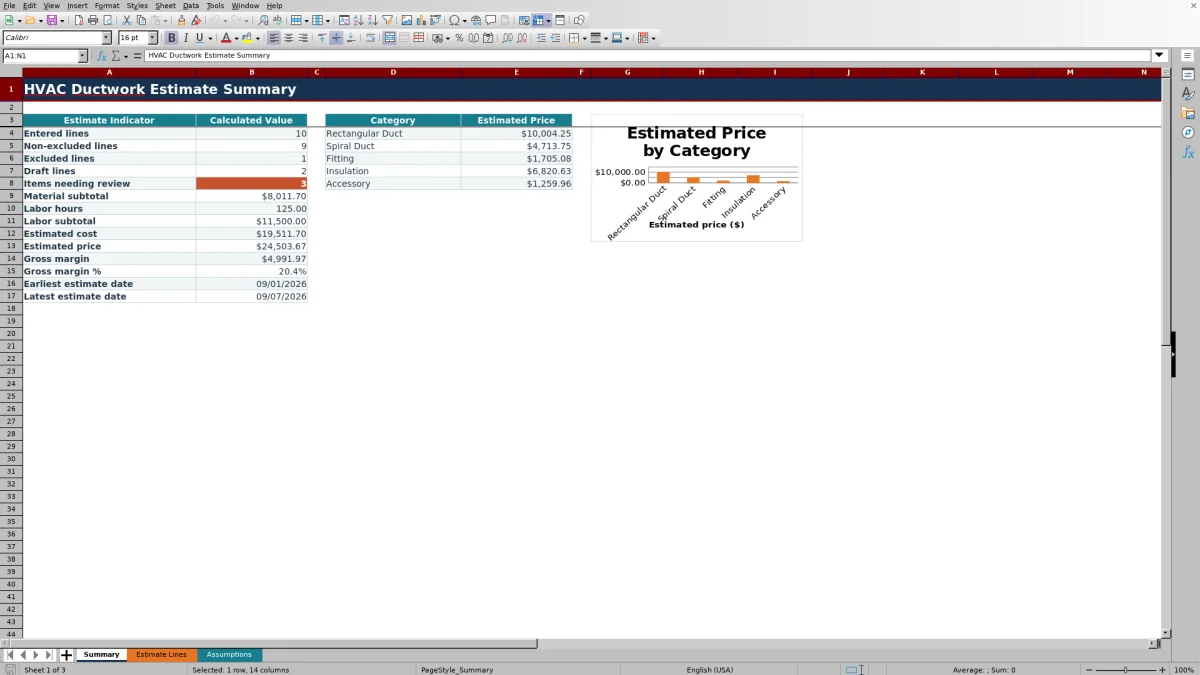
Summary separates Entered lines, Non-excluded lines, Excluded lines, Draft lines, and Items needing review. An entered line is counted from its Description, while the non-excluded count also requires a nonblank status that is not Excluded.
Material subtotal, Labor Hours, Labor subtotal, Estimated Cost, Estimated Price, Gross Margin, and Gross Margin % use eligible lines. Category totals and the chart show estimated price for Rectangular Duct, Spiral Duct, Fitting, Insulation, and Accessory.
Blank summary amounts normally mean there are no lines with a populated, non-Excluded status. The earliest and latest estimate dates examine dates in the prepared Estimate Lines range, so dates on incomplete or excluded rows can still affect that range.
Fix common estimate errors
Review Input Check before relying on a line. Use these corrections for common problems:
- If Estimated Price is blank, confirm Description, Category, Quantity, Material Unit Cost, Labor Hrs / Unit, Waste %, and Status. Also verify the labor rate on Assumptions.
- If a category or unit is rejected or does not calculate as expected, select an exact value from the prepared list instead of typing a variation.
- If a date is rejected, compare it with the earliest and latest estimate dates on Assumptions and enter it as MM/DD/YYYY.
- If Summary is lower than expected, look for blank or Excluded statuses. If it is higher than expected, remember that Draft and Reviewed lines are included.
- If a new line is not counted, check its location. Summary formulas cover rows 6 through 105; rows added below that range are not incorporated automatically.
- If calculated values disappear after editing, restore the original workbook and reenter data only in the editable columns. Overwriting columns Q through X removes the prepared formulas.
Workbook and blank spreadsheet comparison
Use the prepared workbook when its verified fields and calculations fit the HVAC task. Start with a blank spreadsheet when you need a different model and can build and test every field and formula yourself.
| Method | Setup | Calculations and review | Practical fit |
|---|---|---|---|
| This Excel workbook | Use the prepared structure in the validated file | Review the documented calculations and results | Local editable workflow supported by the workbook |
| Blank spreadsheet | Create the structure yourself | Build and test every formula and check | A custom model built from scratch |
Limits and a safe handoff
The Summary combines every eligible line in rows 6 through 105; it does not isolate totals by Job ID. Use one estimate per saved workbook copy, or remove unrelated lines before interpreting the summary.
The workbook does not create a takeoff from drawings, size duct, calculate airflow or static pressure, verify insulation requirements, retrieve vendor prices, or perform field testing. It also has no dedicated fields for actual costs, sales tax, permits, freight, payments, or change orders. Handle engineering, code, safety, accounting, tax, legal, and licensing questions through the appropriate qualified review.
Estimate Lines contains customer, technician, equipment, and pricing information. Store and share the file under your company's access rules, and avoid adding unnecessary property-access details, payment information, equipment serial numbers, or personal data to descriptions.
Frequently asked questions
Does this spreadsheet calculate duct sizes?
No. It prices quantities and labor entered by the user. Determine duct dimensions, airflow requirements, pressure considerations, and system design through qualified design and field review before entering the estimate.
Does waste increase both material and labor?
No. Waste % increases Extended Qty for the material-cost calculation. Labor Hours uses the original Quantity multiplied by Labor Hrs / Unit, so revise the labor input separately when waste or fabrication conditions also affect labor.
Why are Draft lines included in the Summary?
The formulas include every line with a nonblank status except Excluded. Draft, Reviewed, and Included therefore contribute to estimated cost and price. Use Excluded or a blank status when a line should not contribute, then resolve the status before final review.
Can one workbook track estimates for several jobs?
Estimate Lines provides Job ID and Job fields, but Summary aggregates all eligible rows without filtering by job. Save a separate identified workbook copy for each estimate if job-specific summary totals are required.
Can I add more than 100 estimate lines?
The prepared formulas, validation, and Summary references cover rows 6 through 105. Extending the sheet requires careful updates to formulas, validation ranges, summary formulas, and the chart; added rows are not included automatically.
Editorial responsibility

Mara KeeneService operations editor

Owen CalderEstimating and controls editor