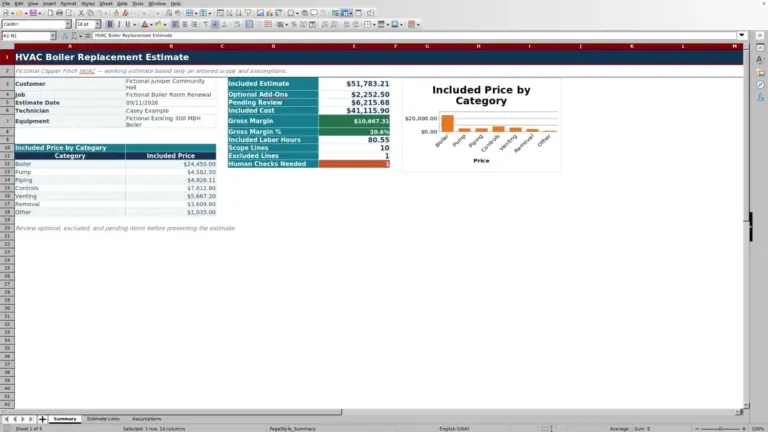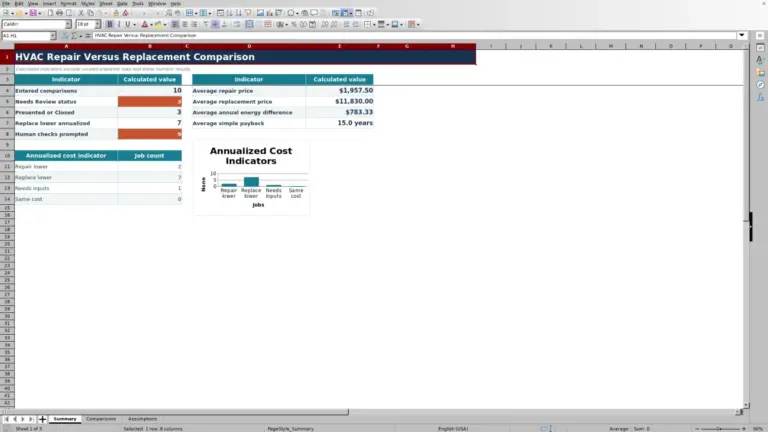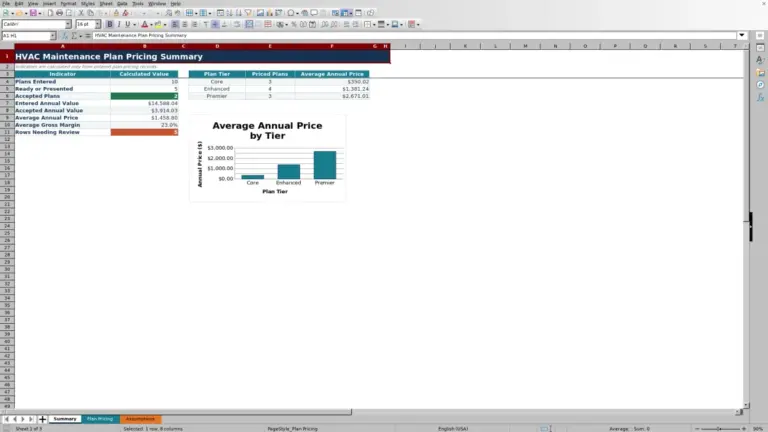
This HVAC Sheets Excel workbook organizes recurring service scope by customer, site, equipment, visits, labor, material, travel, responsibility, and line status.
Use it to develop a recurring maintenance price, review line-level checks, and decide which lines belong in the proposed annual total.
How this template can help
- Connect equipment quantities and visit frequency to annual labor, material, travel, direct cost, and price.
- Separate Include, Alternate, Exclude, and Needs Review lines before evaluating the proposed total.
- Apply technician-level loaded labor rates from a central assumptions sheet.
- Review annual price, monthly equivalent, gross margin, and per-equipment indicators in one summary.
What the workbook contains
How to get started
1. Set the estimate assumptions
Open Assumptions and review the loaded labor rates for Apprentice, Maintenance Technician, Senior Technician, Controls Specialist, and Supervisor. Update the orange rate cells to match your estimating basis. Also review the date, quantity, visit, labor-hour, cost, and markup limits; these limits control accepted entry ranges and are not recommended prices.
2. Replace the sample service lines
On Estimate Lines, use rows 5 through 104 and replace the clearly fictional examples. Enter one service line per scope item, including Customer, Job / Site, Equipment ID, Service Start, service description, equipment quantity, visits, labor hours, technician level, material allowance, service or travel cost, markup, and responsibility.
3. Set status and resolve checks
Choose Include, Alternate, Exclude, or Needs Review in Status. Use Include only when the line should contribute to the proposed total. Filter the Check column to find missing-input, technician-rate, responsibility, or other review messages, then correct or investigate each affected line.
4. Evaluate the proposed total
Open Summary for a review before release. Compare included annual direct cost with proposed annual price, inspect gross margin and monthly equivalent, and confirm the earliest entered service date. Save a dated or revision-labeled copy before changing an estimate that has already been reviewed.
Organize Contract Scope by Site and Equipment
Each row on Estimate Lines represents a recurring service scope for an equipment unit or equipment group. Customer and Job / Site identify where the work belongs, while Equipment ID, Equipment Type, Service Description, and Service Start describe the planned service.
Use separate rows when equipment groups have different visit frequencies, labor allowances, technician levels, material costs, travel costs, markups, responsibilities, or statuses. Combine equipment on one row only when those assumptions are the same. The Summary consolidates included lines; it does not provide separate customer or site subtotals.
Understand the Cost and Price Calculations
The line formulas convert quantity, frequency, time, and rate assumptions into an annual estimate:
- Annual Labor Hrs equals Equipment Qty multiplied by Visits / Year and Labor Hrs / Unit / Visit.
- Annual Labor Cost equals annual labor hours multiplied by the labor rate retrieved for the selected Technician Level.
- Annual Material Cost equals equipment quantity multiplied by visits and Material Cost / Unit / Visit.
- Annual Direct Cost adds labor, material, and Service / Travel Cost / Visit multiplied by Visits / Year. The service or travel amount is not multiplied by equipment quantity.
- Annual Price equals direct cost multiplied by one plus Markup %. Price / Visit divides that annual price by Visits / Year.
Markup is applied to direct cost; it is not entered as a gross-margin percentage. Responsibility documents who is expected to handle the scope, but it is not a separate cost component in the price formula. Exclude leaves Annual Price blank, while Summary cost and price totals use only Include lines.
Worked HVAC Maintenance Estimate Scenario
Suppose the fictional Blue Heron Office Group needs quarterly service for three rooftop units at its East Wing. Enter equipment ID DEMO-RTU-01, a 10/01/2026 service start, quantity 3 each, 4 visits per year, 1.25 labor hours per unit per visit, and Maintenance Technician. Using the workbook's sample $82 loaded hourly rate, also enter $40 of material per unit per visit, $55 of service or travel cost per visit, 25% markup, Contractor responsibility, and Include status.
Workbook result: Annual labor is 15 hours and $1,230. Annual material is $480, and service or travel cost is $220. The resulting annual direct cost is $1,930; applying 25% markup produces a $2,412.50 annual price and a $603.13 price per visit.
If this is the only included line, Summary shows a $201.04 monthly equivalent, $482.50 in gross margin dollars, and a 20% gross margin. The 25% cost markup becomes a 20% margin when measured against selling price. Before using the estimate, confirm that 1.25 hours is realistic for each unit and that $55 covers the full site-visit allowance; revise those inputs or move the line to Needs Review if either assumption is uncertain.
Read the Summary Without Missing a Scope Issue
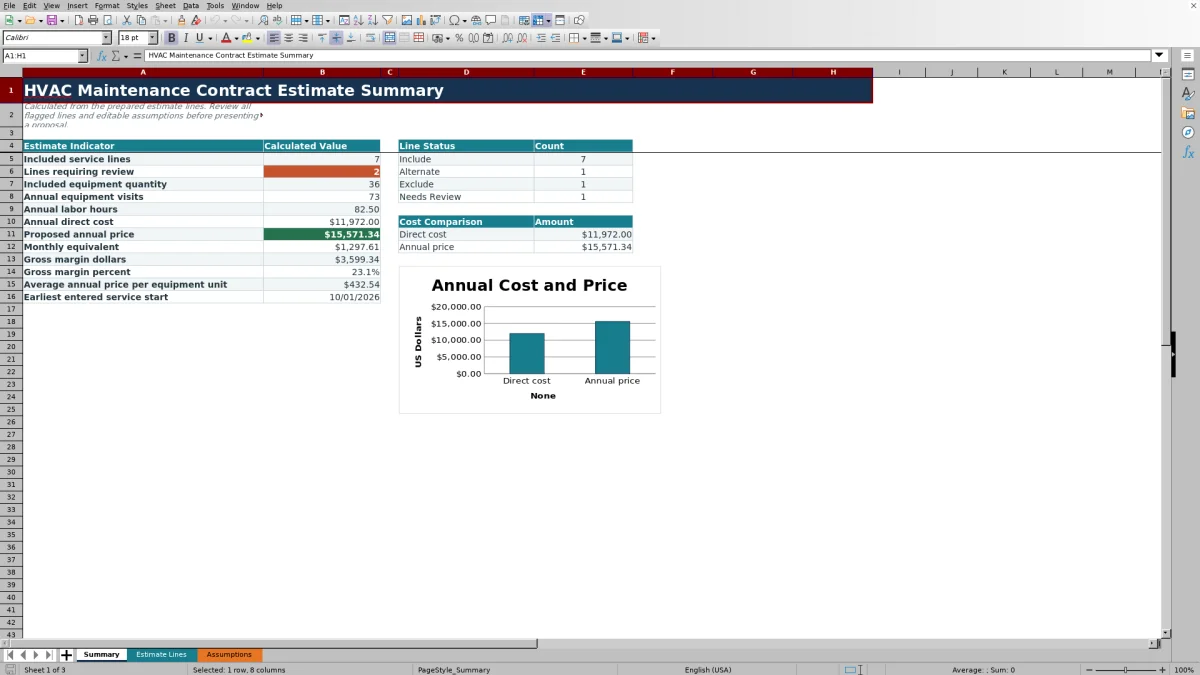
Summary reports included service-line count, equipment quantity, annual equipment visits, annual labor hours, direct cost, annual price, monthly equivalent, gross margin, average annual price per equipment unit, and status counts. Its chart compares the calculated direct cost and annual price.
Lines requiring review counts Check entries beginning with “Check” as well as “Human review” and “Confirm responsibility.” That count is not limited to Include lines, so an alternate or excluded row can still appear in the review queue. A zero review count only means the programmed check messages were not counted; it does not approve the scope, rate, service method, or price.
Earliest entered service start uses the earliest numeric date anywhere in Estimate Lines, regardless of status. An old date on an Exclude or Alternate row can therefore affect that indicator. Review dated non-included lines before interpreting the displayed start date.
Correct Common Entry and Formula Errors
- If Check says “Check missing input,” complete the descriptive and estimating fields required for that row. Enter 0 rather than leaving Material Cost / Unit / Visit or Service / Travel Cost / Visit blank when the intended allowance is genuinely zero.
- If Check says “Check technician rate,” select a listed Technician Level and verify that its Loaded Labor Rate / Hr is present on Assumptions.
- If Excel rejects a date, quantity, visit count, labor allowance, cost, or markup, compare the entry with the editable limits on Assumptions. Change a limit only when the estimating policy supports the wider range.
- If Annual Labor Hrs, Annual Direct Cost, or Annual Price is blank, check the prerequisite inputs. Annual Price is intentionally blank for Exclude lines, and key Summary totals remain blank when no line is marked Include.
- Do not type over formula columns L, M, N, P, R, V, W, or X. The prepared formulas cover rows 5 through 104, and the workbook does not provide a documented formula-restoration control.
Workbook Comparison for Contract Estimating
| Criterion | This Excel workbook | Blank spreadsheet | Field-service management system |
|---|---|---|---|
| Pricing structure | Prepared annual labor, material, travel, direct-cost, markup, and price formulas | User must design and test the model | Depends on the selected system and its configuration |
| Scope controls | Prepared statuses, entry rules, and a Check column | User must create controls | Verify available estimating fields and review rules |
| Capacity | 100 prepared estimate lines | Capacity depends on the user's design | Depends on the selected system |
| Operational coverage | Focused on preparing and summarizing the estimate | Limited to what the user builds | May support broader workflows; confirm required dispatch, service-history, and proposal capabilities |
| Practical fit | Teams that want an editable, file-based estimate model | Teams with a materially different pricing method and spreadsheet expertise | Teams seeking a connected operational platform after verifying its estimating detail |
Use this workbook when the prepared recurring-service calculations match the estimate and a controlled XLSX file fits the workflow. Start from a blank spreadsheet when the pricing structure is substantially different. Consider a field-service system when estimating must connect with broader operations, but verify its actual features before deciding.
Capacity, Cost, and Review Limits
This workbook is an estimating aid, not a live scheduling, dispatch, billing, payment, monitoring, or messaging system. It does not generate a complete maintenance agreement or maintain a documented approval history. The prepared formulas, checks, validations, and Summary references stop at row 104, providing 100 estimate lines; rows added outside that range require careful formula and summary updates.
Annual Direct Cost includes only the workbook's labor, material, and service or travel components. There are no separate prepared fields for every possible overhead, subcontractor, rental, tax, discount, or escalation item. Gross margin therefore compares proposed price with the direct cost represented in these lines, not necessarily accounting profit or realized job performance.
Review service scope, access requirements, equipment information, safety considerations, contract language, and applicable code or licensing issues outside the workbook with qualified personnel. Limit access to files containing customer names, site details, equipment IDs, labor rates, or pricing, and use fictional data in demonstrations or training copies.
Frequently asked questions
Can this workbook estimate maintenance for multiple customer sites?
Yes. Estimate Lines includes Customer and Job / Site fields across 100 prepared rows, so different sites can be entered in the same file. The Summary produces one consolidated result for all Include lines; it does not calculate separate site or customer subtotals.
Why is Annual Price or the Summary total blank?
A line price remains blank when a required cost, markup, visit, or status input is missing. It is also intentionally blank when Status is Exclude. Summary totals remain blank when no line is marked Include. A calculated $0 is different from a blank: it reflects entered assumptions that produced no price and should be reviewed before use.
Can I change the labor rates used in the estimate?
Yes. Edit Loaded Labor Rate / Hr on Assumptions for the five listed technician levels. Estimate Lines retrieves the corresponding rate from that sheet. Confirm that each rate reflects your own estimating basis before evaluating the annual direct cost.
Does Monthly Equivalent create a monthly invoice?
No. Monthly Equivalent divides the proposed annual price by 12 for reference. It does not create invoices, define billing terms, account for deposits, process payments, or establish a monthly service schedule.
Can the XLSX serve as the final maintenance contract?
Not by itself. The workbook calculates and summarizes an estimate from the entered scope and assumptions. It does not provide verified contract terms, signatures, legal review, engineering approval, code compliance, or customer acceptance documentation.
Editorial responsibility

Mara KeeneService operations editor

Owen CalderEstimating and controls editor